← Back to guide
App Configuration
Settings
Tune the look, the feel, and how the drone responds — all from one tab.
Overview
The Settings cards
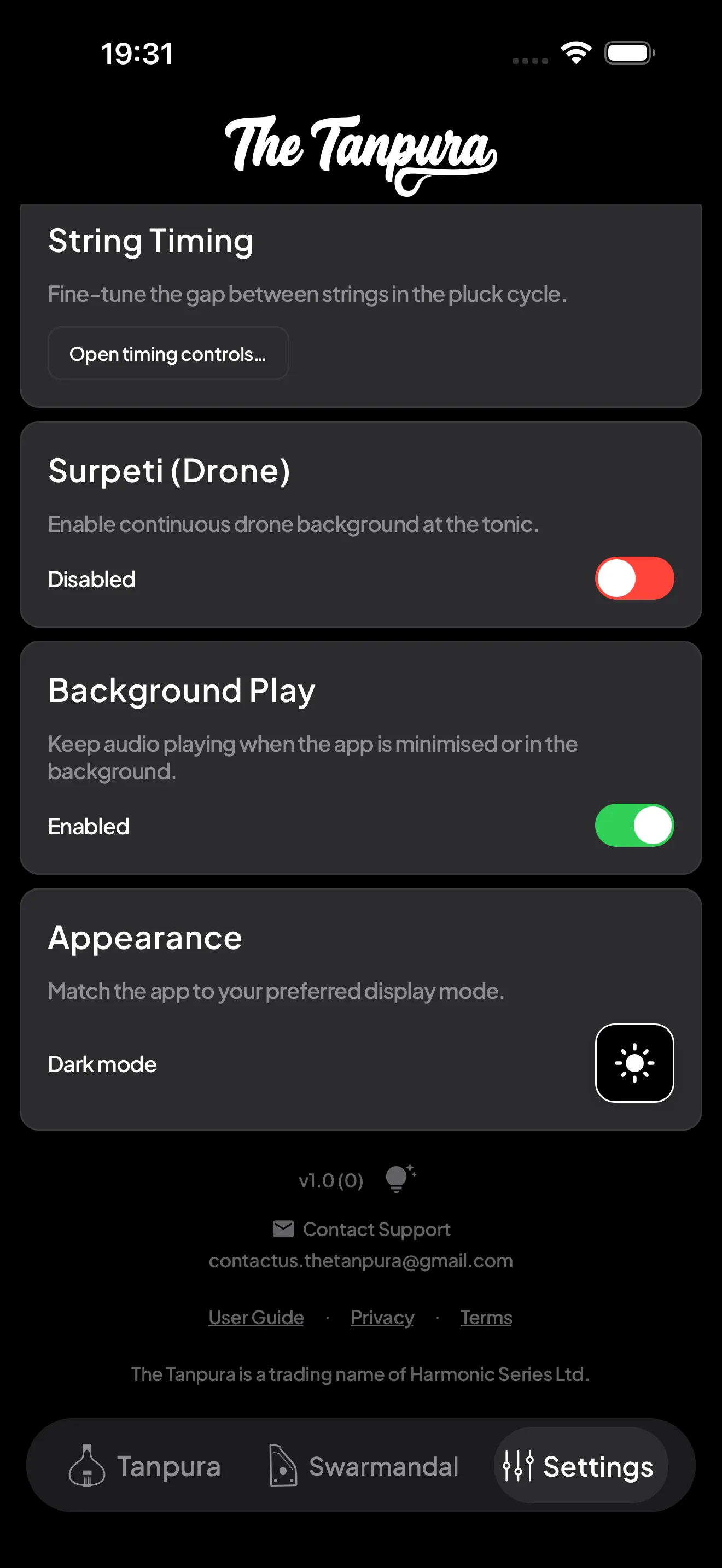
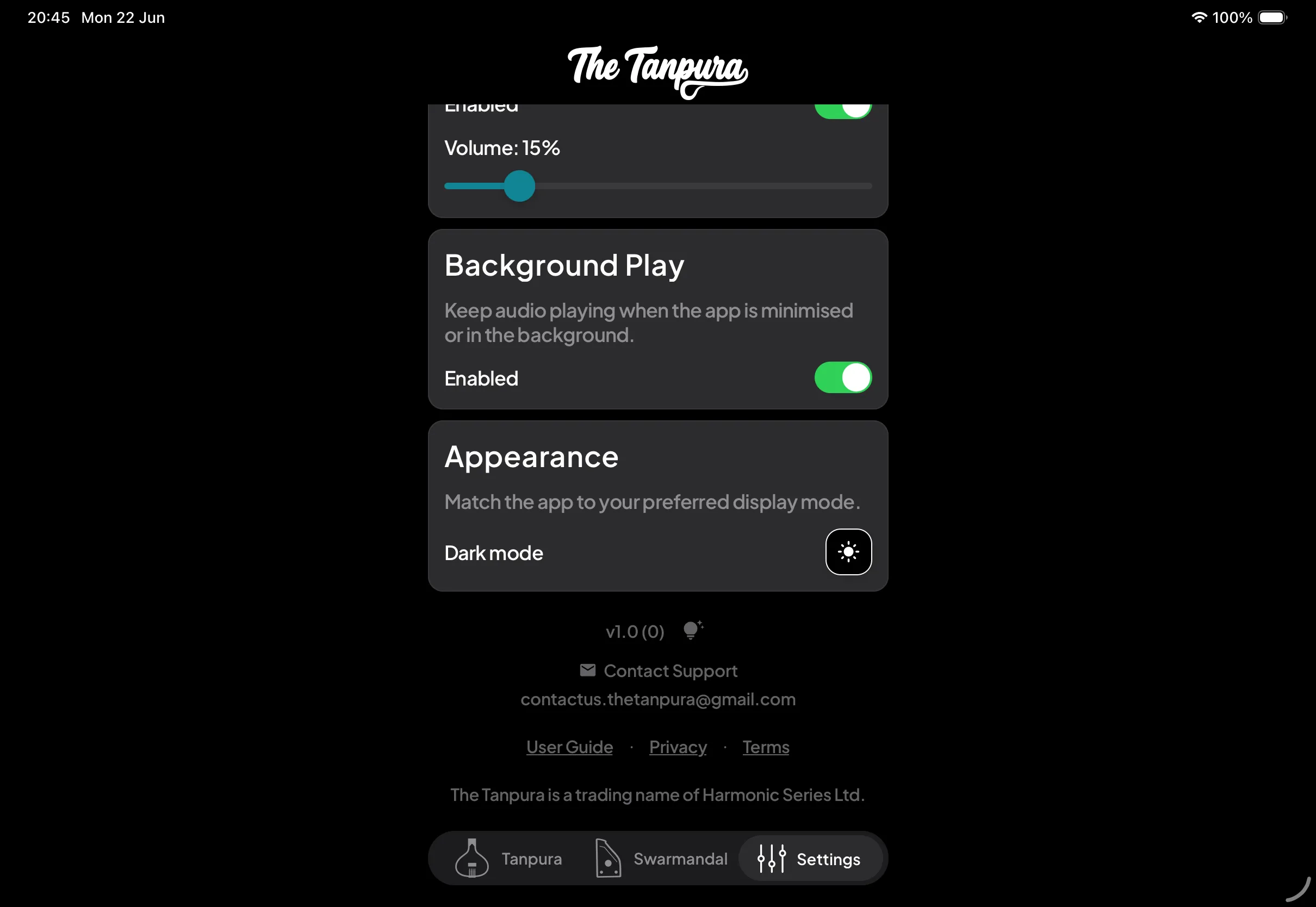
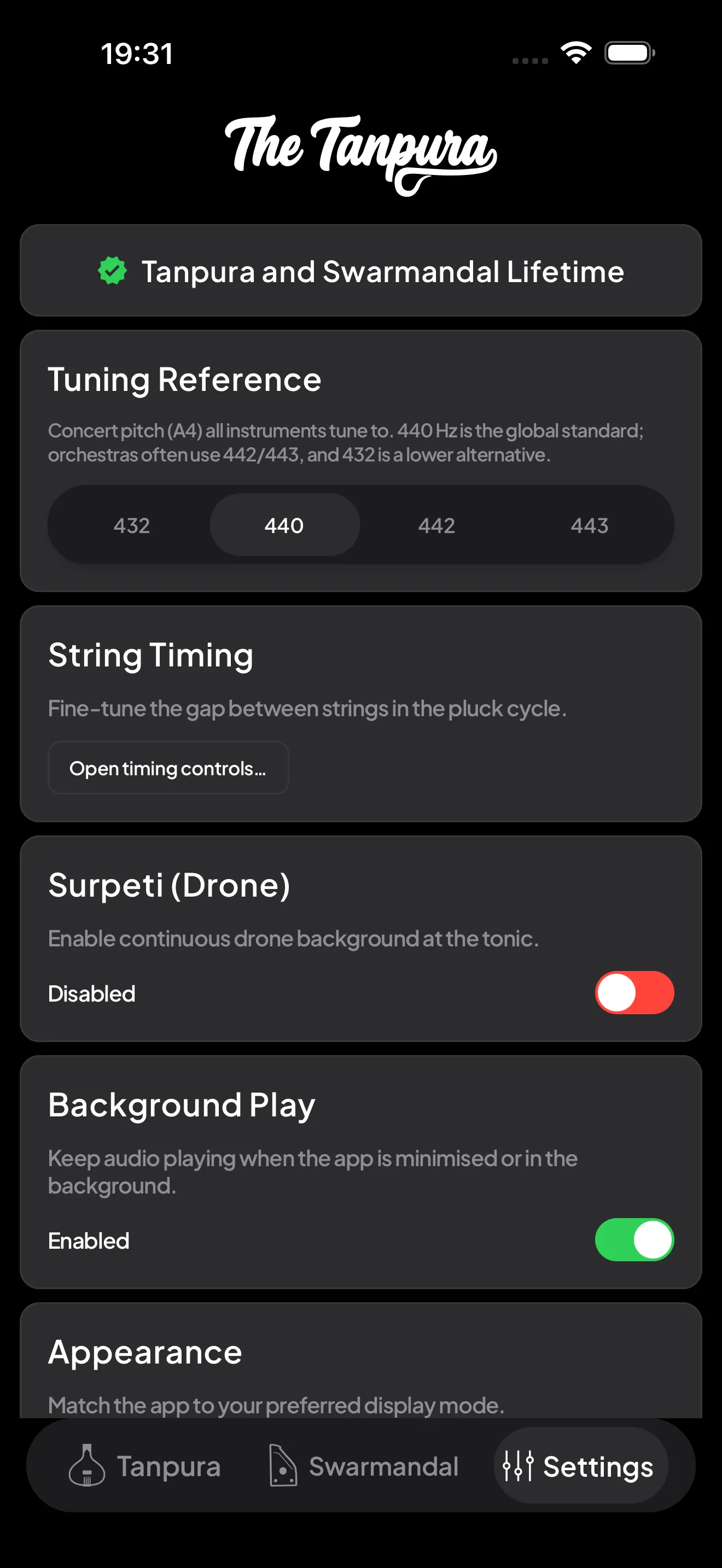
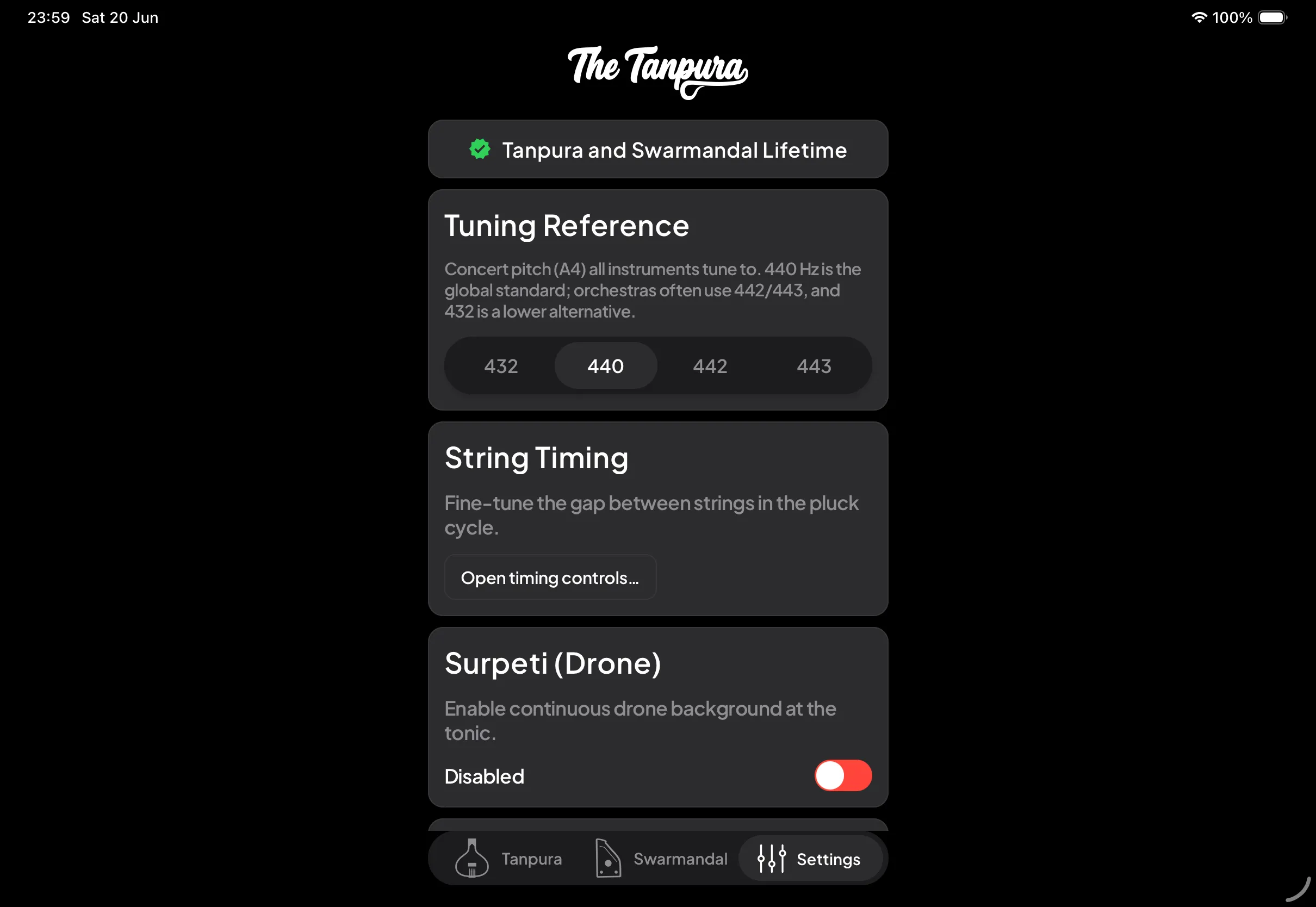
Settings is a single scrolling list of cards. Each one takes effect immediately:
- Premium — your access status. Shows daily free time remaining, starts a 3-day free trial, or unlocks unlimited practice and restores past purchases.
- Tuning Reference — set the concert pitch (A4) every instrument tunes to. 440 Hz is the global standard; orchestras often use 442/443, and 432 is a lower alternative.
- Appearance — switch between light and dark mode. The choice is remembered across launches.
- Background Play — keep audio playing when the app is minimised or your screen locks. Available with Premium.
- String Timing — open the controls for the gap between each plucked string (see below).
- Surpeti (Drone) — a continuous, harmonium-style drone at the tonic, separate from the tanpura's plucked cycle. Toggle it on and set its own volume; useful for vocal warmups and long sittings.


Timing
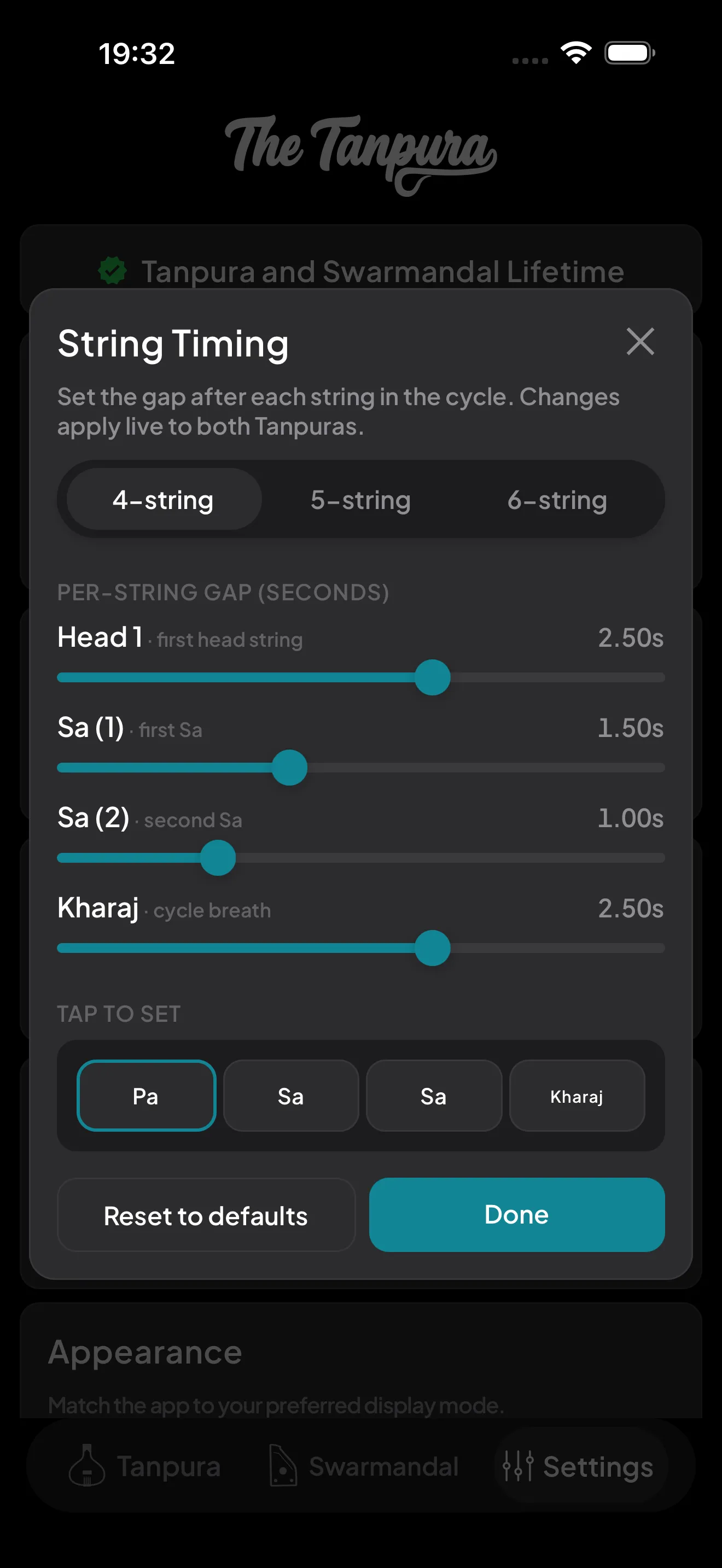
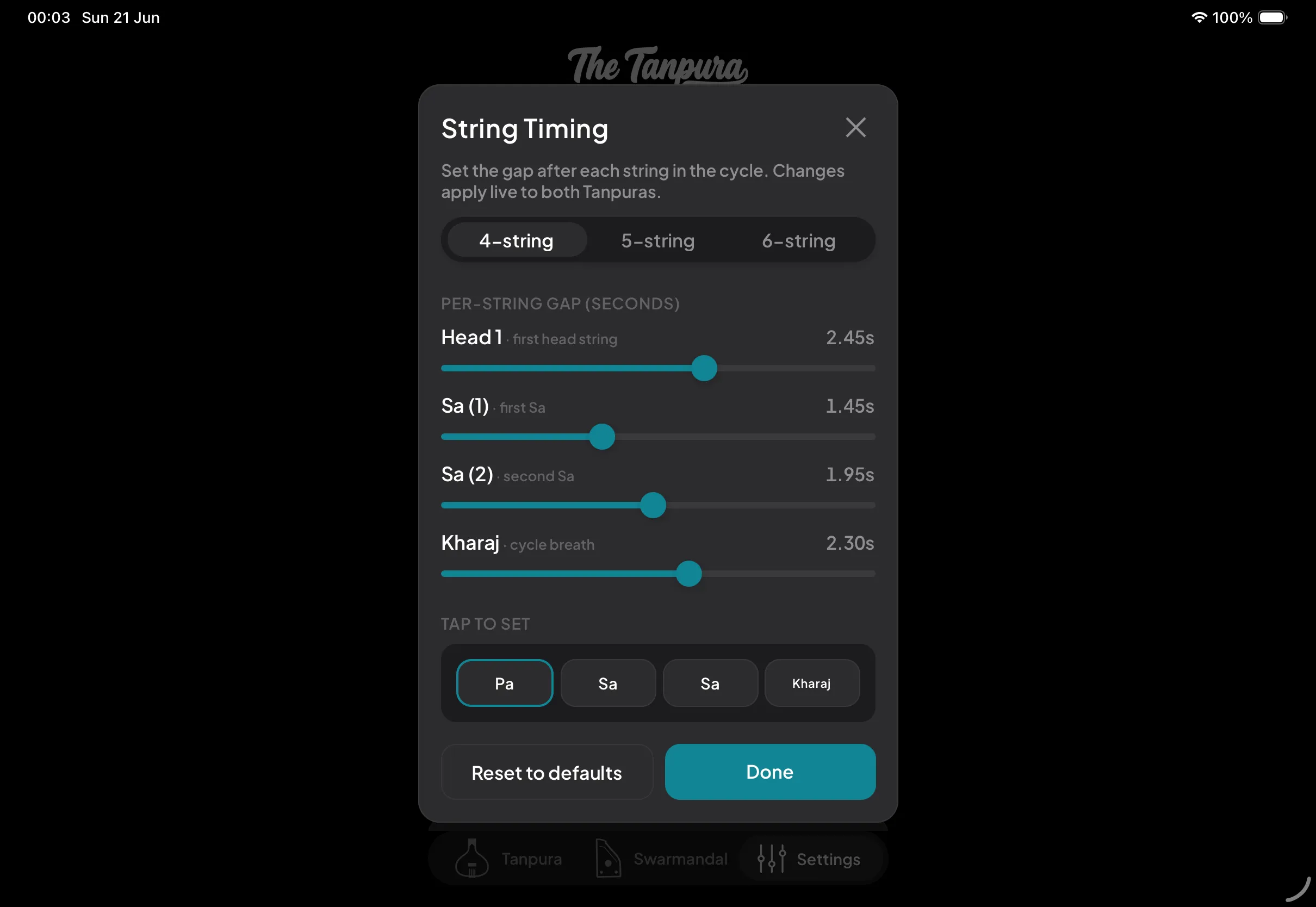
String Timing
Open the timing controls to set the gap after each string in the pluck cycle — the changes apply live to both tanpuras.
Each string gets its own slider in seconds. Tighter gaps give a busy, percussive feel; longer gaps give a slow, spacious drone. The tap-to-set row mirrors your 4-, 5-, or 6-string layout, and Reset to defaults brings everything back if you over-tweak.
At the bottom
Guide, legal & contact
Scroll to the bottom of Settings for the housekeeping links:
- The app version and a tap target for the update changelog.
- Contact Support — opens an email to [email protected] for questions or feedback.
- User Guide, Privacy, and Terms — the same pages you are reading now, linked straight from the app.