Tanpura
The stringed drone that sits beneath every raag. Pick your Sa, dial in pitch and timbre, and let it sustain in the background while you practice.
What is a tanpura?
A tanpura is a long-necked instrument with four to six strings whose only job is to play a continuous, hypnotic drone. It carries no melody and no rhythm — it simply sustains the home note so a singer or instrumentalist always has a reference pitch to return to. Almost every Hindustani and Carnatic performance begins with it.
The "Sa" — your reference pitch
Indian classical music has no fixed note names like C or G. Instead a musician chooses a home note and calls it Sa, and every other note is sung relative to it. The tanpura's job is to keep that Sa ringing in the air so your ear never loses its anchor. Set the app to your Sa and the whole raag falls into place around it.
Why it sounds so alive
A tanpura is tuned to just a couple of notes — usually Pa–Sa–Sa–Sa (the fifth and the home note across octaves). What makes it mesmerising is a tiny thread on the bridge called the jivari ("life-giver"), which makes each string bloom into a shimmering cloud of overtones. That cloud is exactly what trains your ear to place notes precisely.
Below is a walk-through of how to set your Sa, fine-tune each string, and run the drone in the app.
Tanpura overview
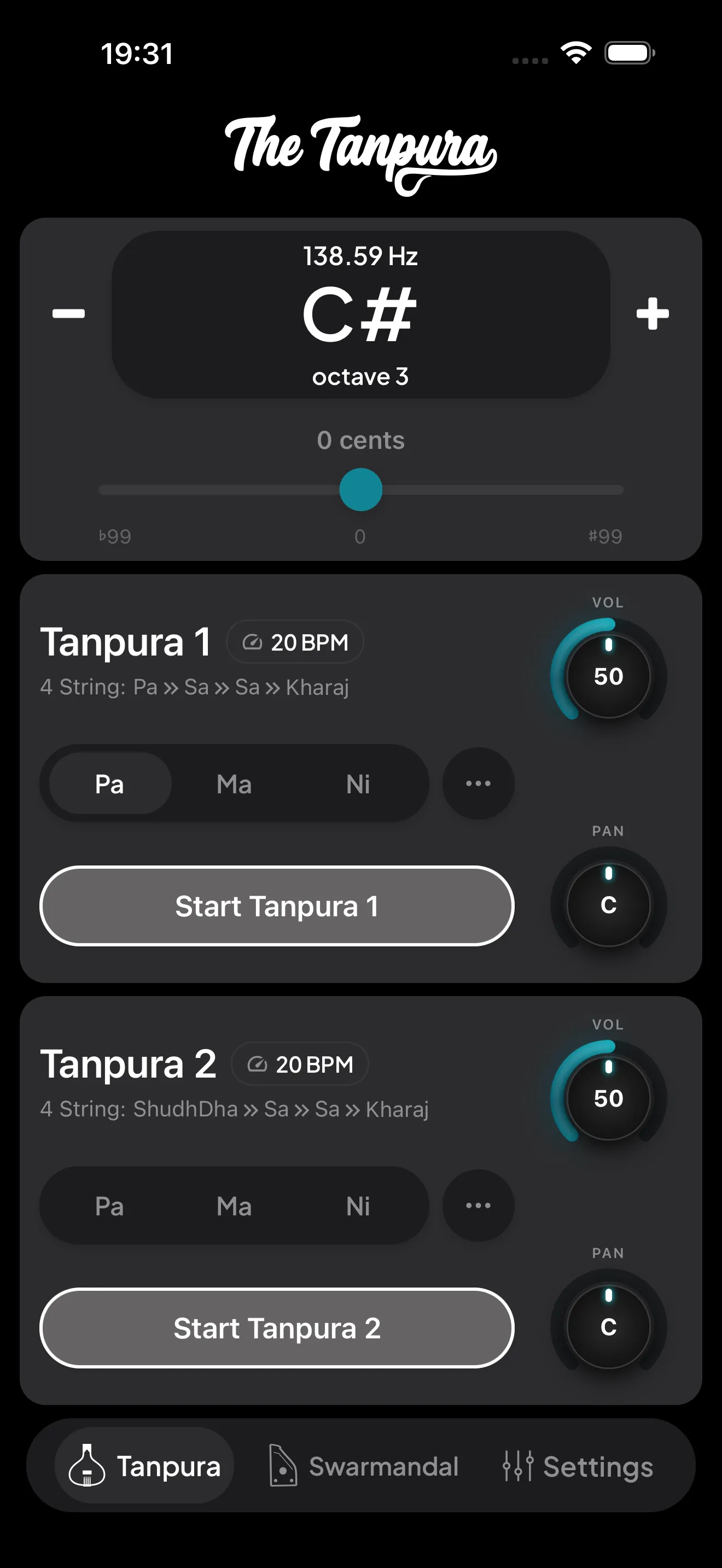
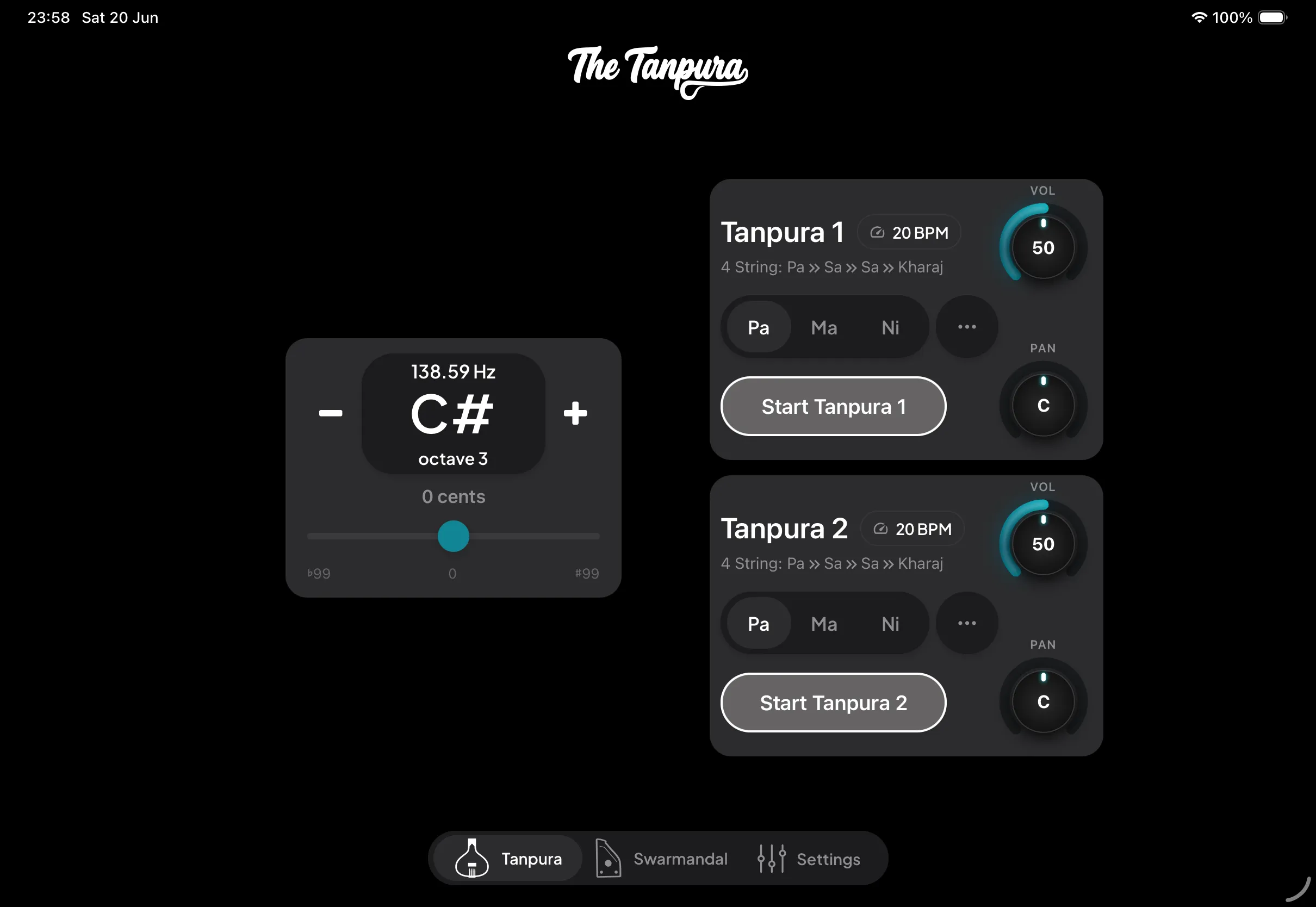
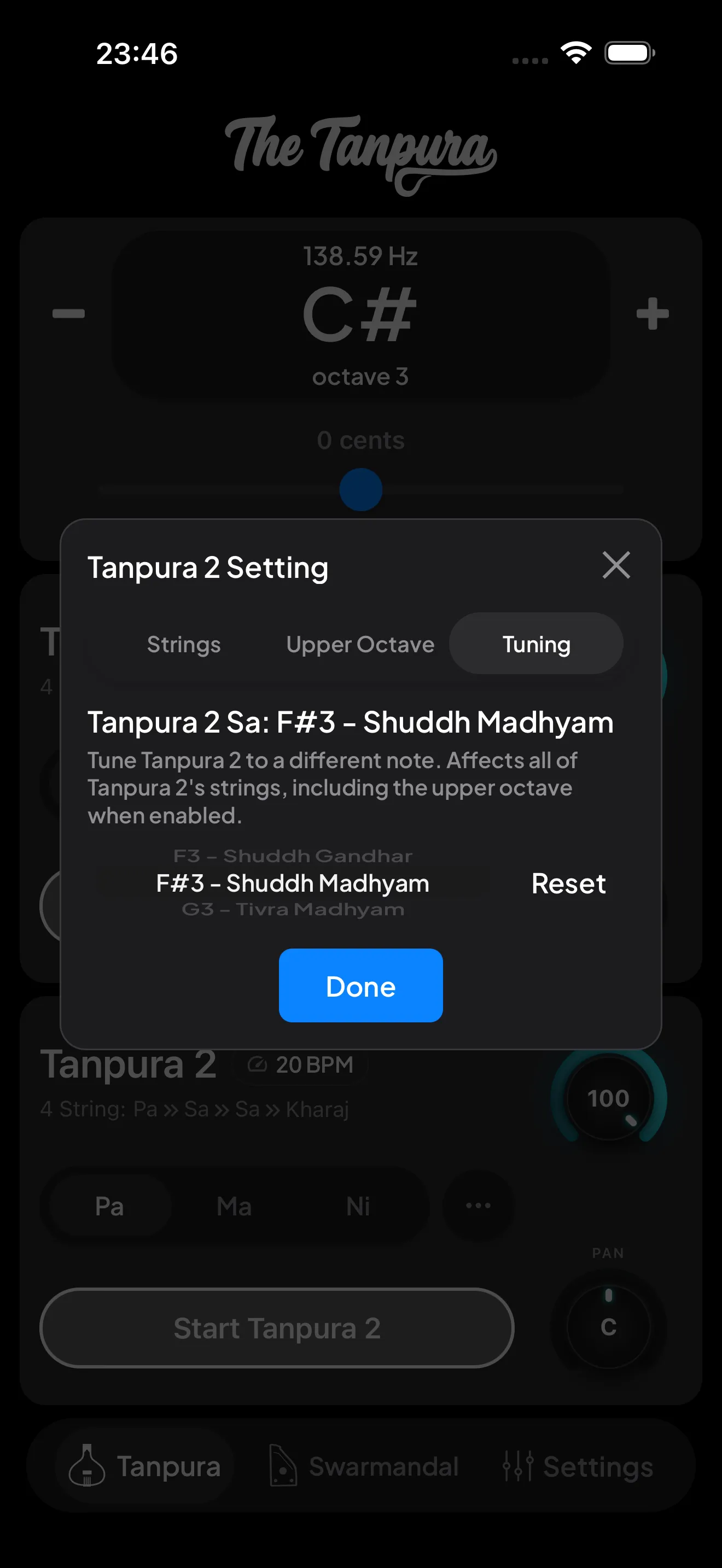
The Tanpura tab is your home for drone practice. Tap the first-string pill at the top to set your Sa — pick any note from C to B and every other string retunes to it automatically.
The large pitch display in the center is your active Sa, glanceable from across the room and updating the instant you change it. Around it sit the dials: per-tanpura volume, a cents slider for cent-precise fine-tuning against another instrument or singer, and tempo controls to speed up or slow the cycle.


The string settings modal
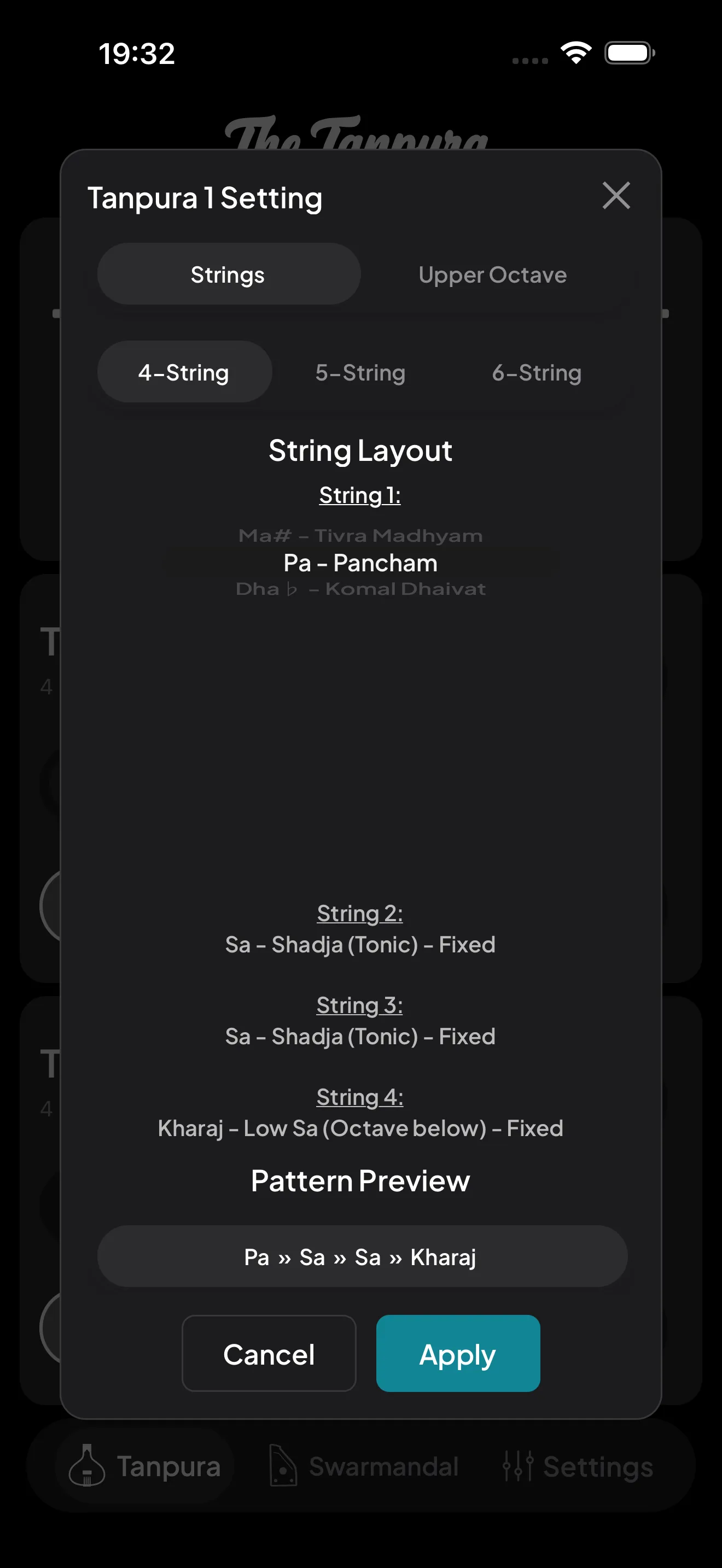
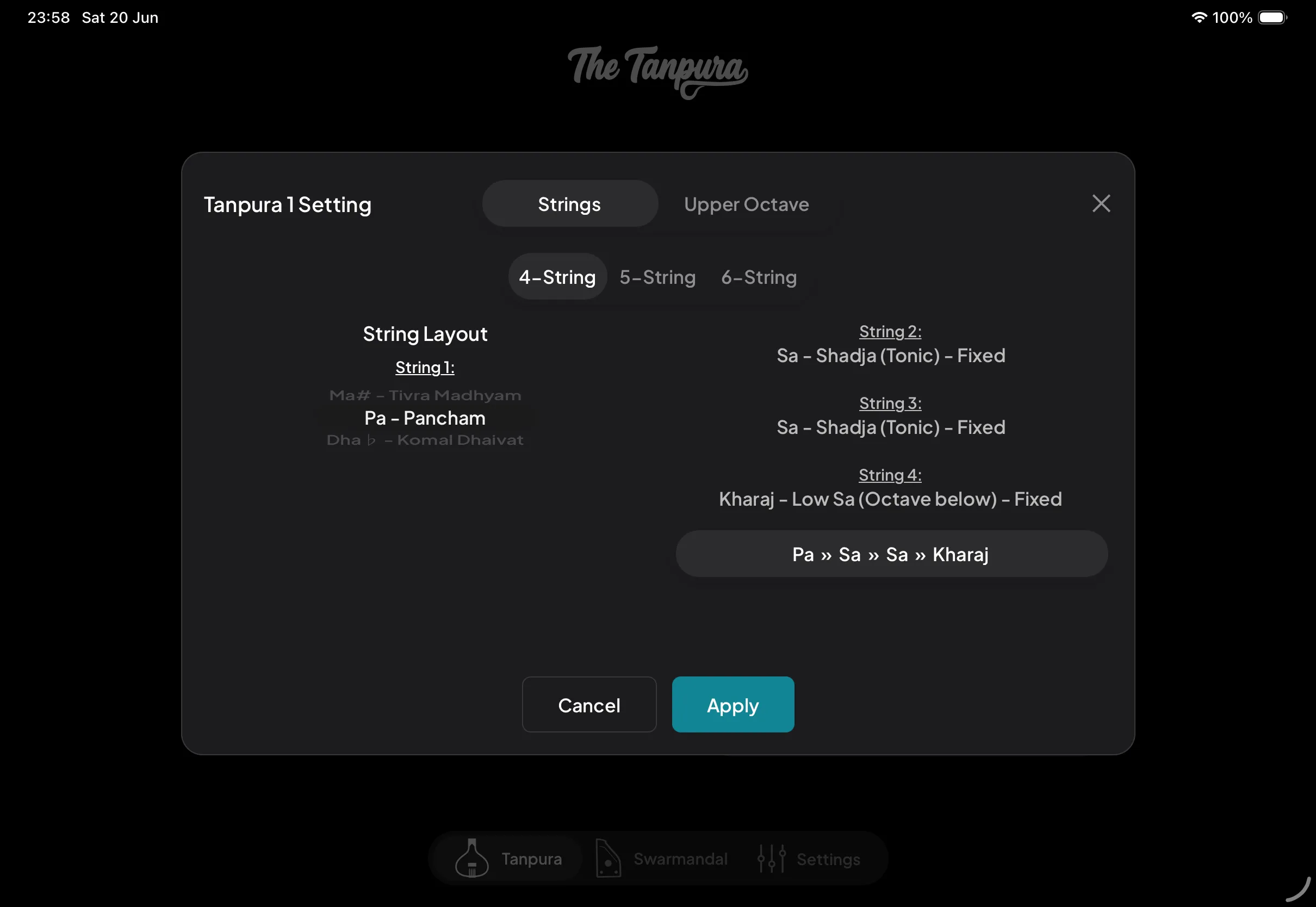
Tap a tanpura to open its settings. Choose a 4-, 5-, or 6-string layout, then swap any individual string for a different scale degree — handy for raags that want Pa, Ma, or Ni in the drone instead of the default tuning. A live pattern preview shows the full string sequence as you edit.
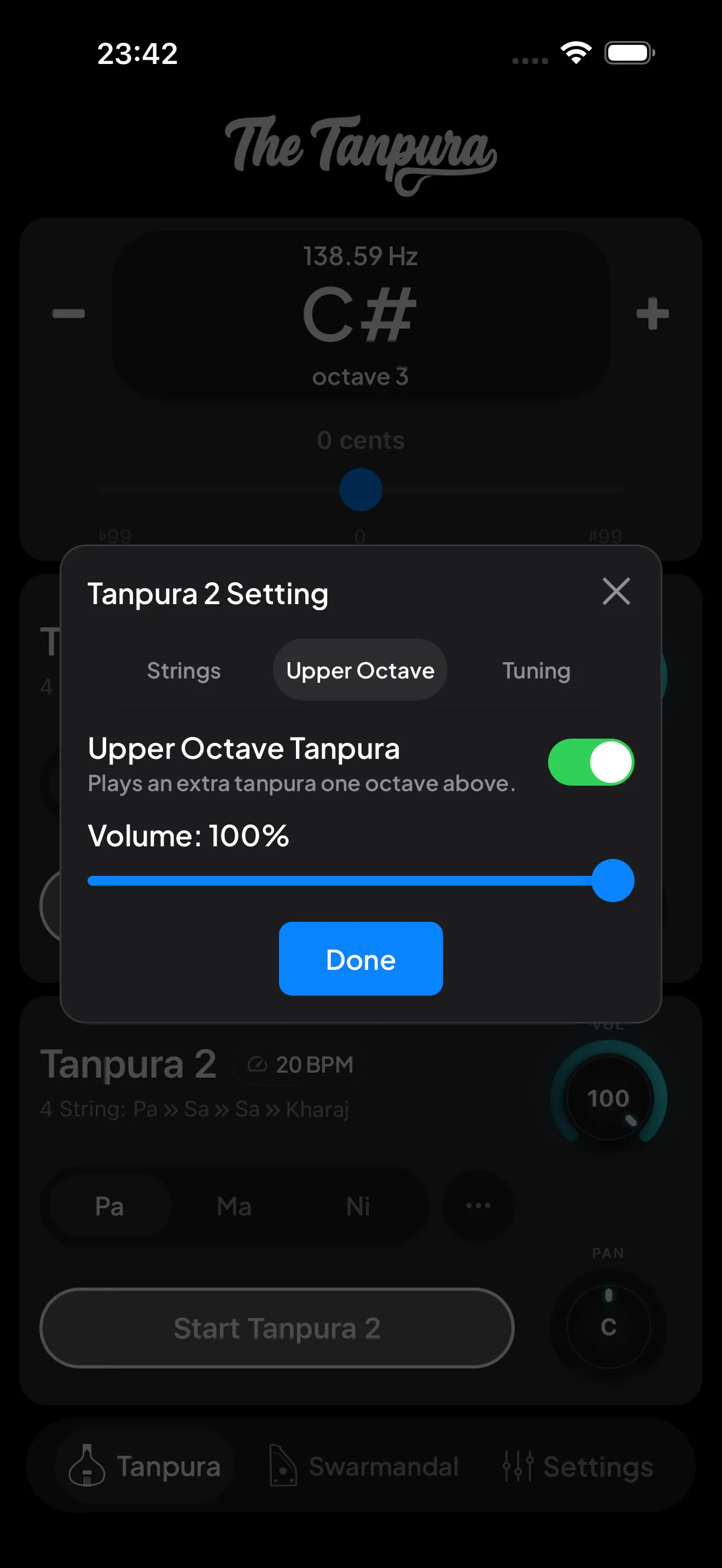
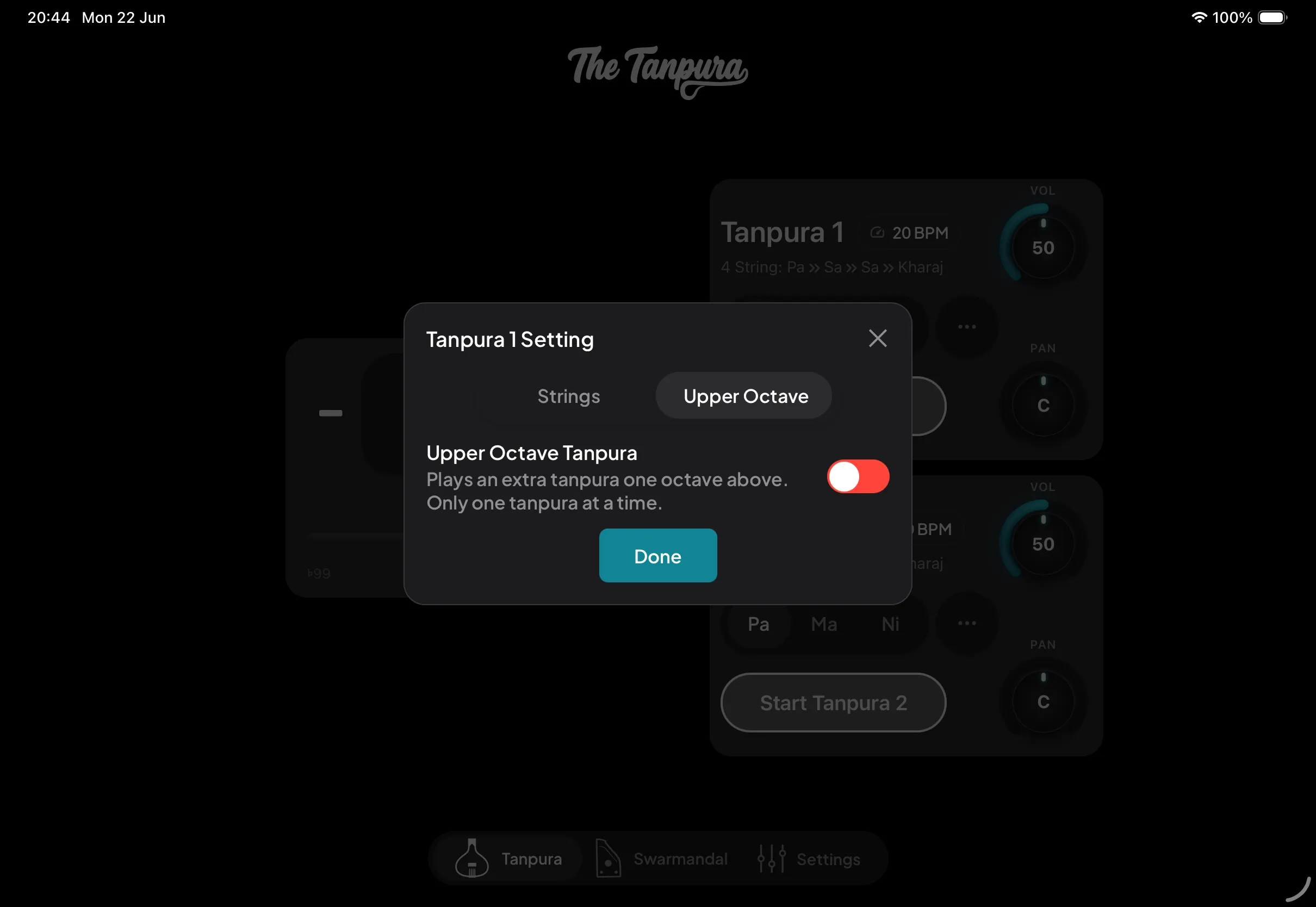
An Upper Octave tab adds a second tanpura playing an octave above, with its own volume. Only one tanpura carries it at a time, so you can move it between them.
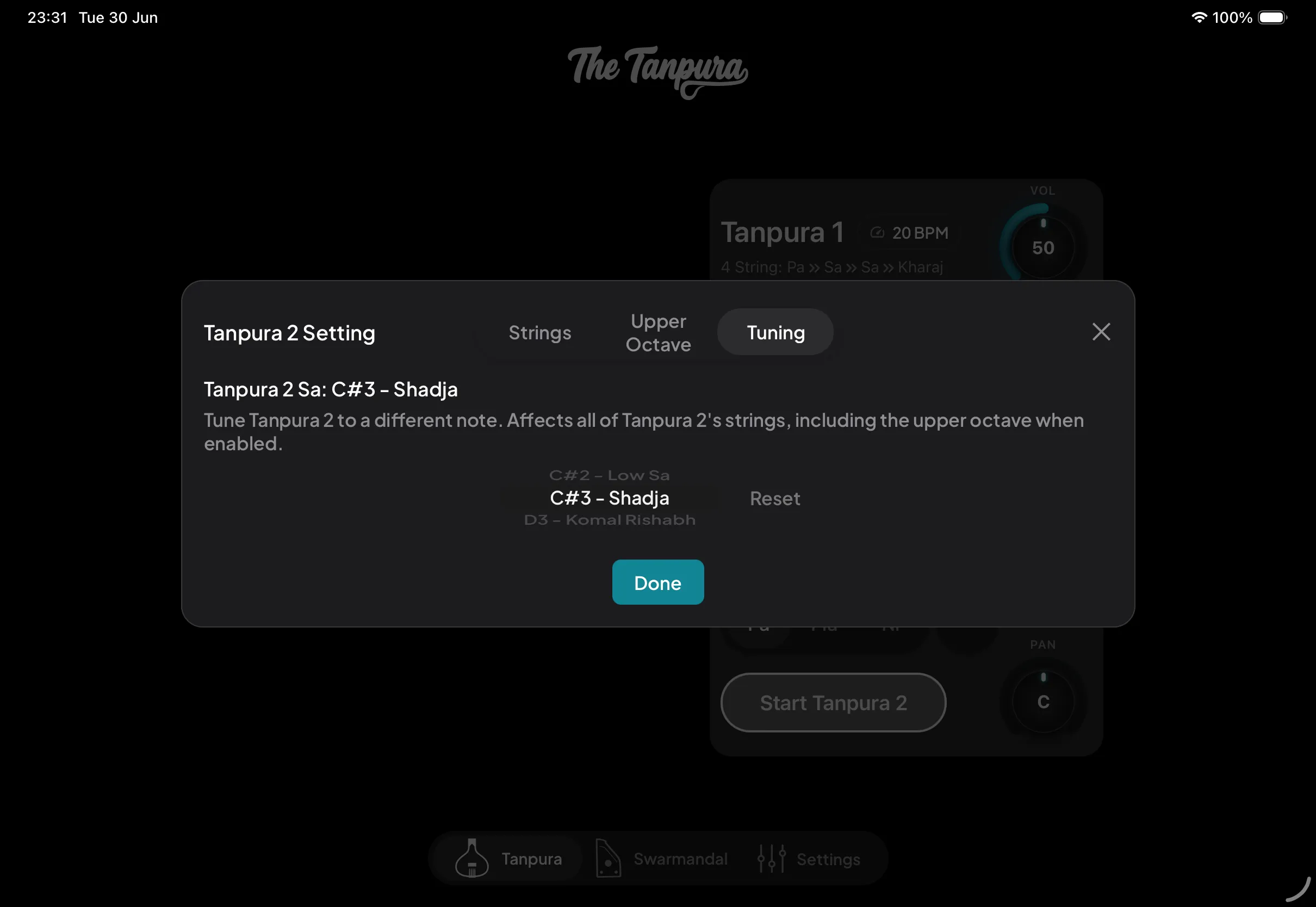
Because the app runs two independent tanpuras, Tanpura 2 has its own Tuning tab — give it a different Sa from Tanpura 1 for creative tuning and harmony between the two drones.
Looking for Surpeti?
The continuous drone (surpeti) lives alongside the tanpura. To configure it, head to the Settings guide.
Read the Surpeti guide →